How I Make WordPress Sites Load Fast (and Pass Core Web Vitals)
How I get WordPress sites loading in about a second and passing Core Web Vitals: smart images, caching, a CDN, and loading only what each page needs.
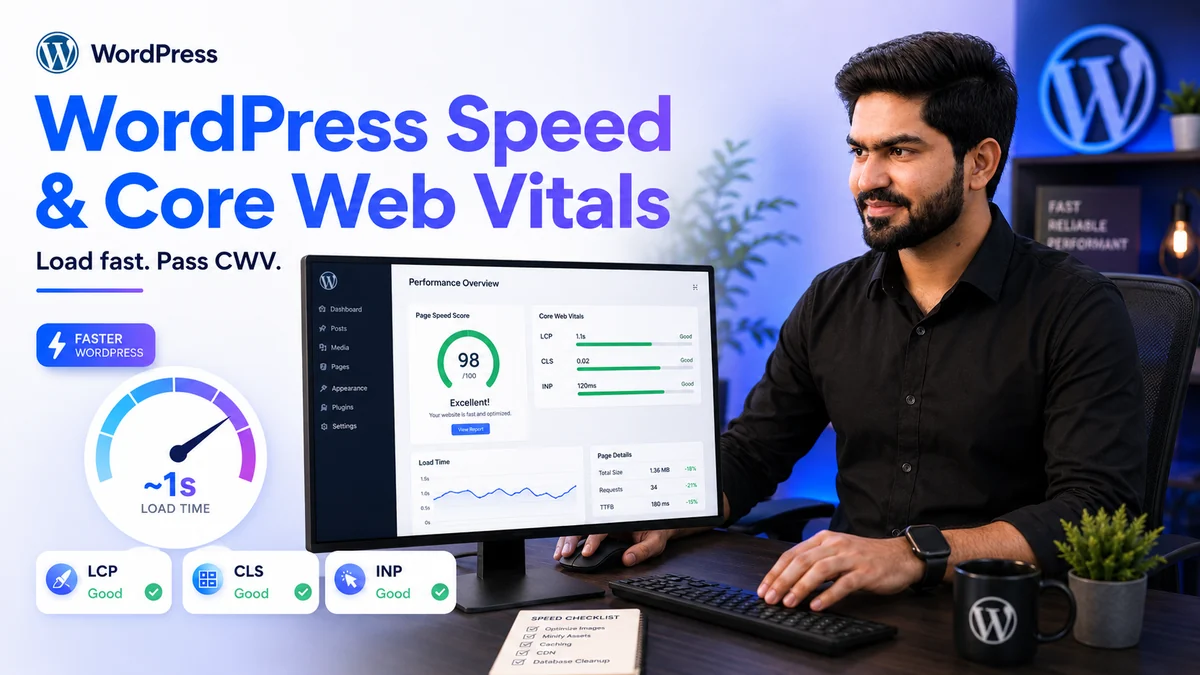
Page speed gets treated as a technical detail. It is really a business one. When a page shows up fast, people stay and they get in touch more often. So it is one of the first things I tune on every WordPress build, and usually one of the cheapest ways to get more out of a site you already have.
This is the routine I run to get WordPress loading in around a second and passing Core Web Vitals.
Start by measuring, not guessing
Before I change anything, I run the site through PageSpeed Insights and look at the three Core Web Vitals: how fast the main content appears (LCP), how stable the layout stays while it loads (CLS), and how quickly the page reacts to a tap or click (INP). Those numbers point me at the real problem, so the effort goes where it counts.
Images are almost always the biggest win
On most sites, images are the heaviest thing on the page. A few habits make a big difference:
- Serve modern formats like WebP, which are a fraction of the size of the original JPEG or PNG.
- Size each image to the space it actually fills, so a 2,000-pixel photo never loads into a 600-pixel slot.
- Lazy-load anything below the fold, and preload the one hero image at the top so it appears instantly.
Cache the heavy lifting
Every uncached WordPress page asks the server to rebuild the same HTML from scratch. Page caching saves a ready-made copy and serves that instead, so most visitors get an instant response. I pair a page cache with an object cache for the database queries that run behind the scenes, and the server stops repeating the same work.
Put a CDN in front
A content delivery network keeps copies of your images, CSS, and scripts on servers around the world. A visitor in Dubai or London is then served from a location near them rather than waiting on a single origin server. I use Cloudflare for this, and it adds a helpful layer of security and traffic filtering on top.
Only load what the page needs
Many slow WordPress sites load scripts and styles from plugins that the current page never uses. I trim that down so each page loads its own assets and nothing extra, defer the non-critical JavaScript, and self-host the fonts so the text paints without a round trip to an outside server.
Keep the foundation tidy
Old post revisions, expired transients, and bloated tables quietly slow the database down. A clean database and a recent, well-supported PHP version keep everything responsive as the site grows.
It adds up
None of these steps is dramatic on its own. Together they take a site that needs five or six seconds to settle and bring it down to about one. That is the gap between a visitor who waits and one who leaves.
If your WordPress site feels slow, I am happy to take a look and tell you where the time is going. You can reach me through waqasdev.com.